Body
1. Navigate to app.suitable.co
2. Type your institution provided email address.
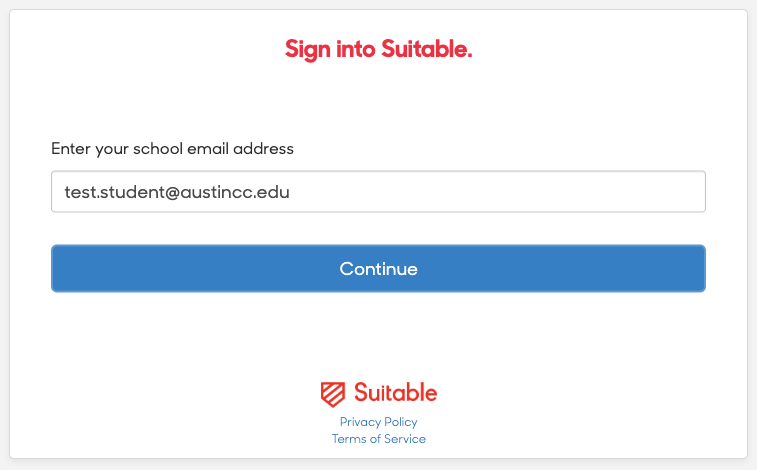
3. Then click Sign In.
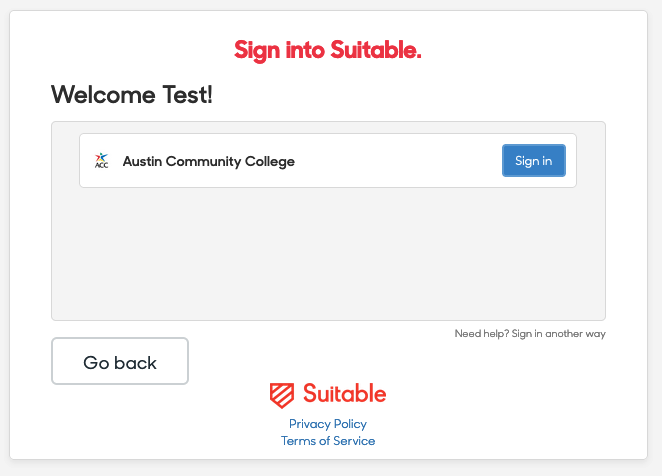
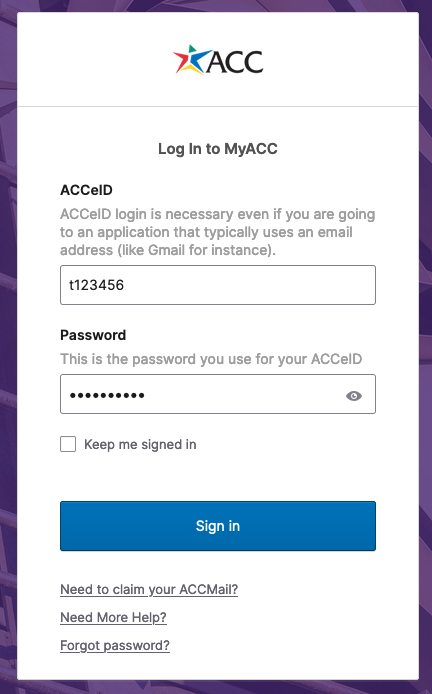
4. You will be prompted to sign in through single sign on, OKTA.
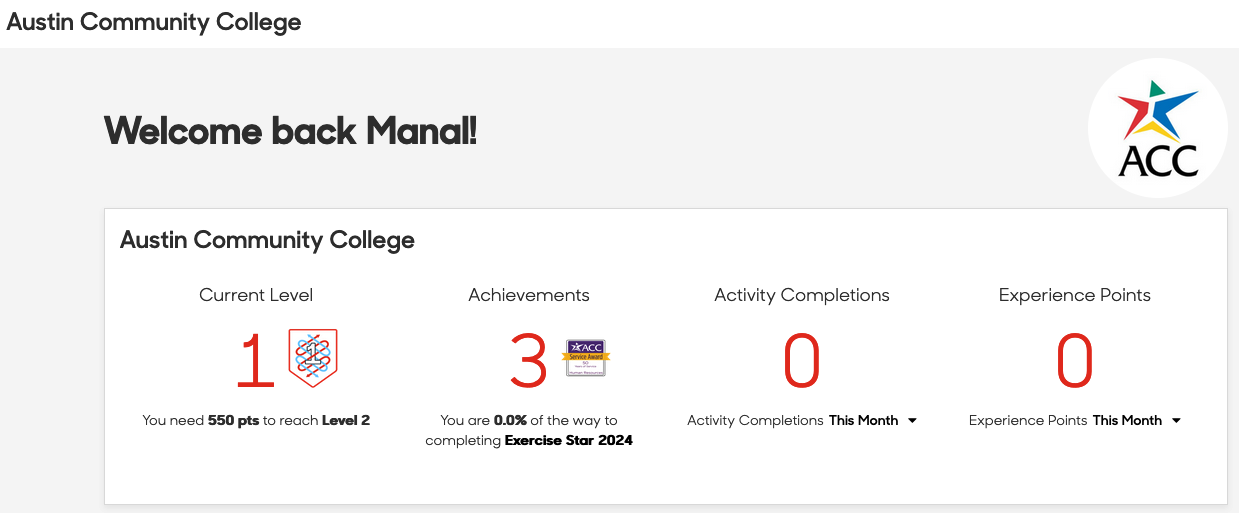
5. Welcome to your dashboard!
This article was created and is maintained by the Office of Academic Technology.
If you have found an error in this article, or if you need assistance incorporating this article into your course, please contact the Educational Technologists.